استخرج ملفات الأرشيف محليًا في متصفحك
تُعالَج ملفاتك محليًا داخل متصفحك. لا تُرفع إلى خوادمنا.
Drop one archive here
Supports common archive formats including ZIP, 7Z, RAR, TAR, GZ, TGZ, ISO, CAB, JAR, APK, Office files and EPUB. Self-extracting EXE works only when the archive data can be identified.
Extracted files
Select an archive to see downloadable files.
How it works
Three steps, all in your browser. No installs, no uploads, no waiting on a server.
1Add your archive
Drag and drop a ZIP, 7Z, RAR or other archive onto the page, or click to choose a file from your device.
2Extract locally
UnzipIt unpacks the archive on your device using a WebAssembly engine running in a Web Worker. Your files never leave your browser.
3Save your files
Download individual files, or save the whole extraction straight into a folder you choose (on supported browsers).
Supported archive formats
Open and extract a wide range of common archive formats — all locally in your browser.
- ZIP
- 7Z
- RAR
- TAR
- GZ
- TGZ
- BZ2
- XZ
- ZST
- CAB
- ISO
- JAR
- APK
- EPUB
Self-extracting EXE files work only when the embedded archive data can be identified. Many Office documents and EPUB files are also supported because they are ZIP-based.
كل شيء يعمل في متصفحك
بلا تثبيت، بلا رفع، بلا خادم — ما عليك سوى فتح أرشيف واستخراجه.
محلي 100%
تُعالَج ملفاتك على جهازك. لا شيء يُرفع إلى خادم.
صيغ متعددة
ZIP و7Z وRAR وTAR وGZ وTGZ وISO وCAB وJAR وAPK ومستندات Office وEPUB.
محرك WebAssembly
يعمل الاستخراج الثقيل في Web Worker عبر WebAssembly، خارج الخيط الرئيسي.
أرشيفات بكلمة مرور
أدخل كلمة المرور لفتح الأرشيفات المحمية.
حفظ في مجلد
اكتب الملفات المستخرجة مباشرة في مجلد تختاره.
خصوصية بالتصميم
لا نرى أسماء ملفاتك أو محتواها أو كلمات المرور مطلقًا.
الأسئلة الشائعة
نعم. UnzipIt مجاني تمامًا — بدون حسابات أو اشتراكات أو قيود مخفية.
لا. يتم كل الاستخراج محليًا داخل متصفحك باستخدام JavaScript وWebAssembly. ملفاتك لا تغادر جهازك أبدًا.
ZIP و7Z وRAR وTAR وGZ وTGZ وBZ2 وXZ وZST وCAB وISO وJAR وAPK وEPUB والعديد من مستندات Office.
نعم. أدخل كلمة المرور عند الطلب وسيفك UnzipIt تشفير المحتوى ويستخرجه محليًا.
لا يفحص UnzipIt الملفات بحثًا عن البرمجيات الخبيثة. افتح الأرشيفات من مصادر موثوقة فقط، وتجنب تشغيل الملفات من مرسلين غير معروفين.
Guides & tips
Learn how to unzip files on any device, compare archive formats, and keep your files private.
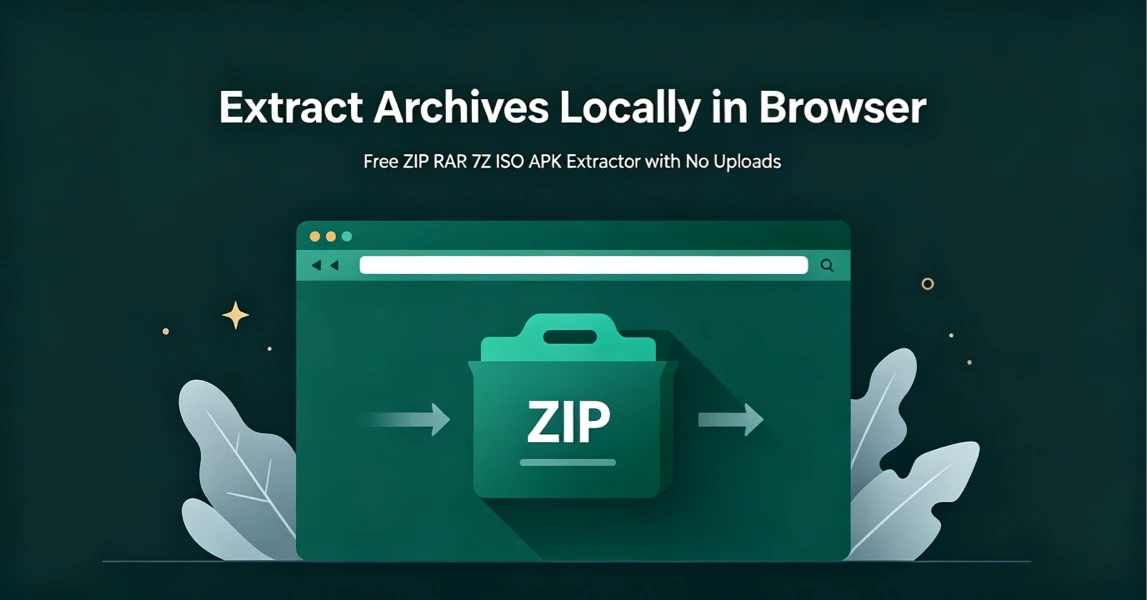
How to Extract Archives Locally in Browser with UnzipIt (Step‑by‑Step Guide)
A complete beginner’s guide to extracting ZIP, RAR, 7Z, ISO, APK and more archives for free directly in your browser with zero uploads and no software installation.
2026-08-21
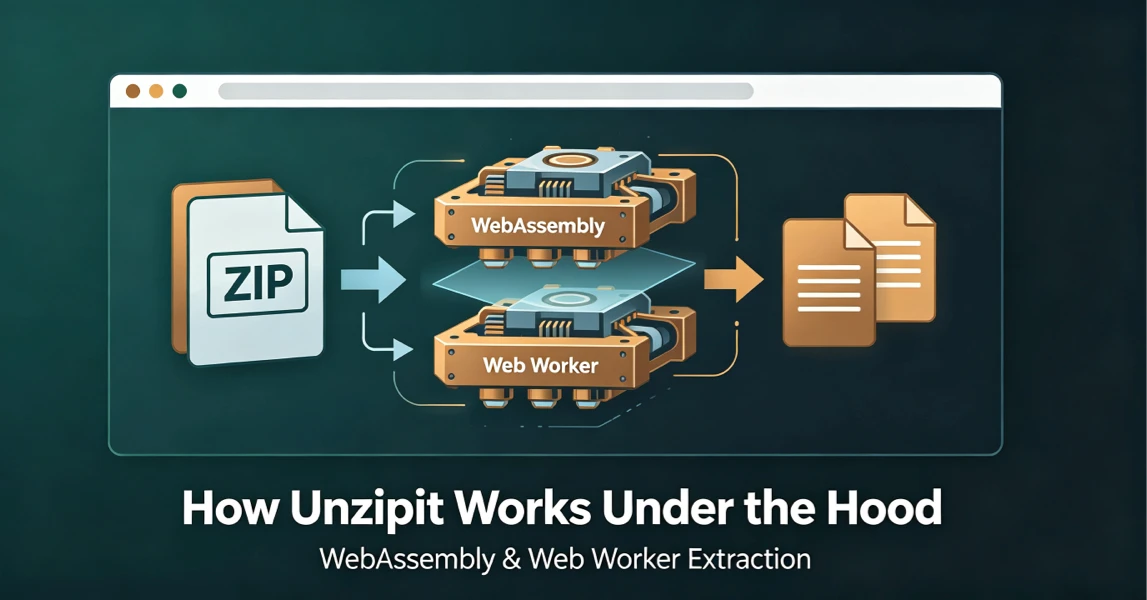
How UnzipIt Works Under the Hood: WebAssembly & Web Worker Extraction
Learn the WebAssembly and Web Worker technology powering fast, private, local in-browser archive extraction on UnzipIt with no server uploads.
2026-08-21
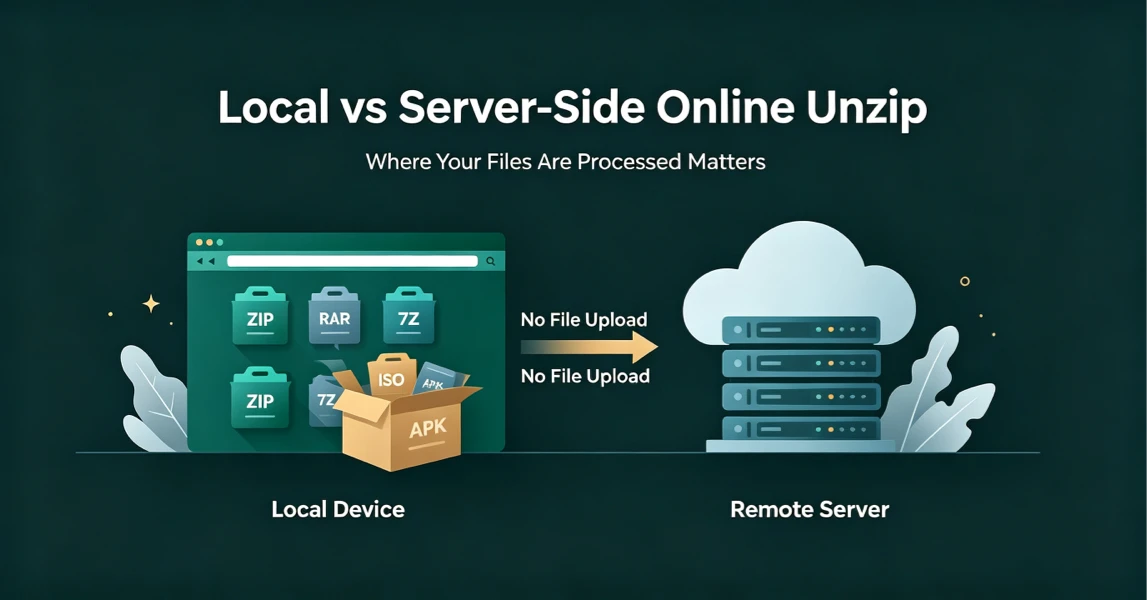
Local vs Server-Side Online Unzip: Why Where Your Files Are Processed Matters
Not all online unzip tools work the same way. Learn the difference between server-side extraction and true local browser-based processing, and why it matters for your privacy.
2026-08-21
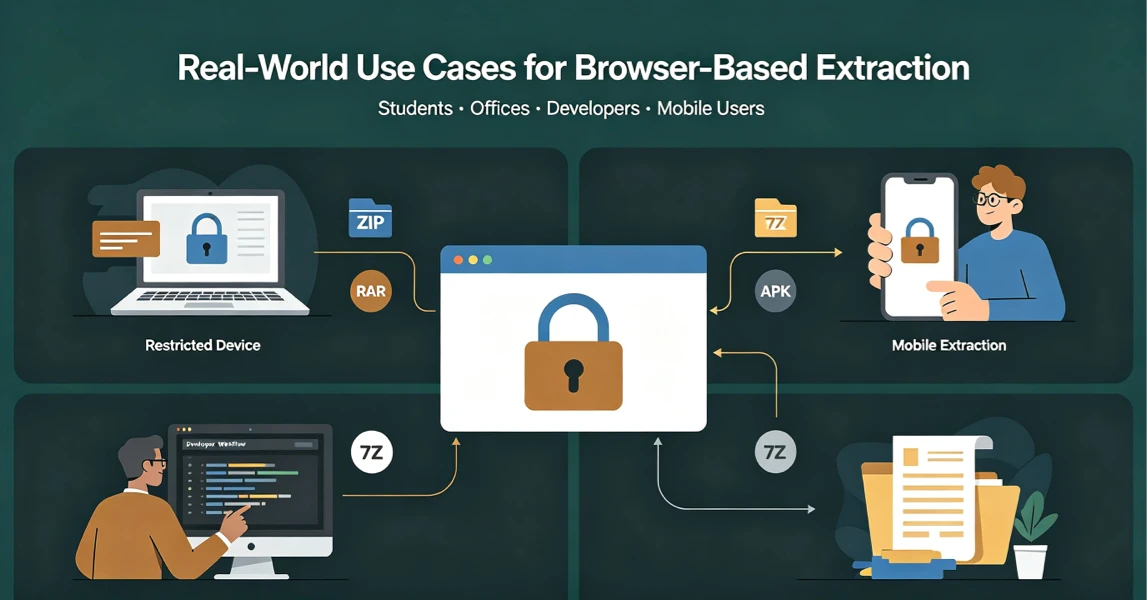
Real-World Use Cases for UnzipIt’s Browser-Based Archive Extractor
Discover the most common scenarios where local in-browser archive extraction solves real problems for students, office workers, developers, and mobile users.
2026-08-20
UnzipIt FAQ: Troubleshooting Common Archive Extraction Issues
Answers to the most frequent questions about local browser extraction, supported formats, privacy, password archives, and common errors.
2026-08-20