آرشیوها را به صورت محلی در مرورگر استخراج کنید
پروندههای شما به صورت محلی در مرورگر پردازش میشوند. به سرورهای ما آپلود نمیشوند.
Drop one archive here
Supports common archive formats including ZIP, 7Z, RAR, TAR, GZ, TGZ, ISO, CAB, JAR, APK, Office files and EPUB. Self-extracting EXE works only when the archive data can be identified.
Extracted files
Select an archive to see downloadable files.
How it works
Three steps, all in your browser. No installs, no uploads, no waiting on a server.
1Add your archive
Drag and drop a ZIP, 7Z, RAR or other archive onto the page, or click to choose a file from your device.
2Extract locally
UnzipIt unpacks the archive on your device using a WebAssembly engine running in a Web Worker. Your files never leave your browser.
3Save your files
Download individual files, or save the whole extraction straight into a folder you choose (on supported browsers).
Supported archive formats
Open and extract a wide range of common archive formats — all locally in your browser.
- ZIP
- 7Z
- RAR
- TAR
- GZ
- TGZ
- BZ2
- XZ
- ZST
- CAB
- ISO
- JAR
- APK
- EPUB
Self-extracting EXE files work only when the embedded archive data can be identified. Many Office documents and EPUB files are also supported because they are ZIP-based.
همه چیز در مرورگر شما اجرا میشود
بدون نصب، بدون آپلود، بدون سرور — فقط یک آرشیو را باز کرده و استخراج کنید.
۱۰۰٪ محلی
پروندههای شما روی دستگاه شما پردازش میشوند. چیزی به سرور آپلود نمیشود.
فرمتهای متعدد
ZIP، ۷Z، RAR، TAR، GZ، TGZ، ISO، CAB، JAR، APK، اسناد Office و EPUB.
موتور WebAssembly
استخراج سنگین در Web Worker از طریق WebAssembly، خارج از رشته اصلی اجرا میشود.
آرشیوهای با رمزعبور
برای باز کردن آرشیوهای محافظتشده رمزعبور را وارد کنید.
ذخیره در پوشه
پروندههای استخراجشده را مستقیماً در پوشه دلخواه خود بنویسید.
خصوصی بودن در طراحی
ما هرگز نام پروندهها، محتوا یا رمزعبورهای شما را نمیبینیم.
پرسشهای متداول
بله. UnzipIt کاملاً رایگان است — بدون حساب کاربری، اشتراک یا محدودیت پنهان.
خیر. تمام استخراج به صورت محلی در مرورگر شما با استفاده از JavaScript و WebAssembly انجام میشود. پروندههای شما هرگز دستگاه شما را ترک نمیکنند.
ZIP، ۷Z، RAR، TAR، GZ، TGZ، BZ2، XZ، ZST، CAB، ISO، JAR، APK، EPUB و بسیاری از اسناد Office.
بله. هنگام درخواست، رمزعبور را وارد کنید و UnzipIt محتوا را به صورت محلی رمزگشایی و استخراج میکند.
UnzipIt پروندهها را برای بدافزار بررسی نمیکند. فقط آرشیوها را از منابع مورد اعتماد باز کنید و از اجرای پروندههای فرستندگان ناشناس خودداری کنید.
Guides & tips
Learn how to unzip files on any device, compare archive formats, and keep your files private.
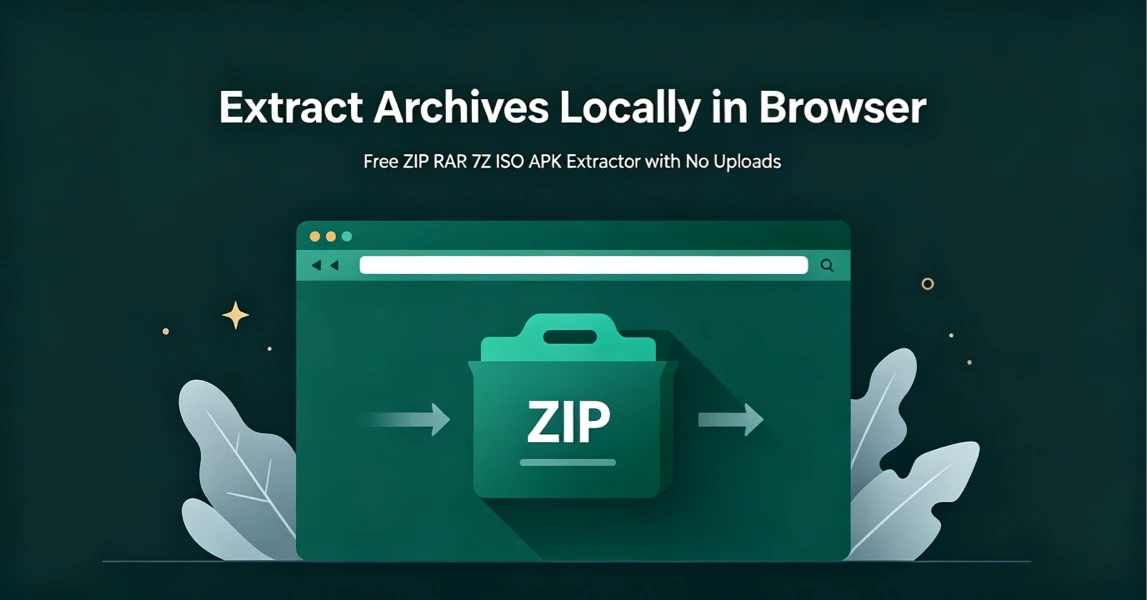
How to Extract Archives Locally in Browser with UnzipIt (Step‑by‑Step Guide)
A complete beginner’s guide to extracting ZIP, RAR, 7Z, ISO, APK and more archives for free directly in your browser with zero uploads and no software installation.
2026-08-21
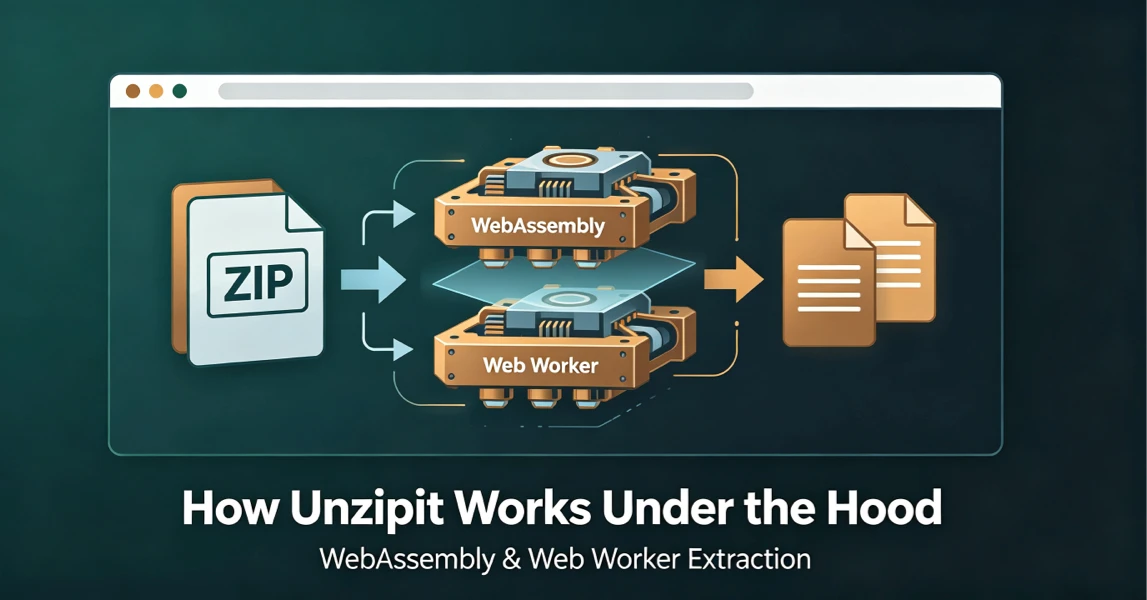
How UnzipIt Works Under the Hood: WebAssembly & Web Worker Extraction
Learn the WebAssembly and Web Worker technology powering fast, private, local in-browser archive extraction on UnzipIt with no server uploads.
2026-08-21
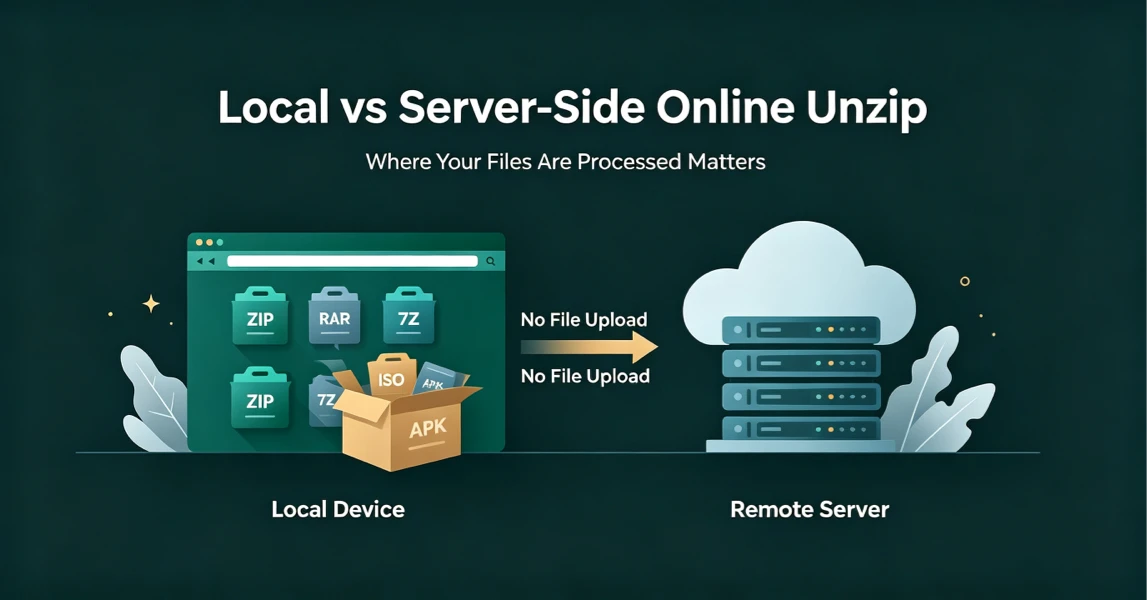
Local vs Server-Side Online Unzip: Why Where Your Files Are Processed Matters
Not all online unzip tools work the same way. Learn the difference between server-side extraction and true local browser-based processing, and why it matters for your privacy.
2026-08-21
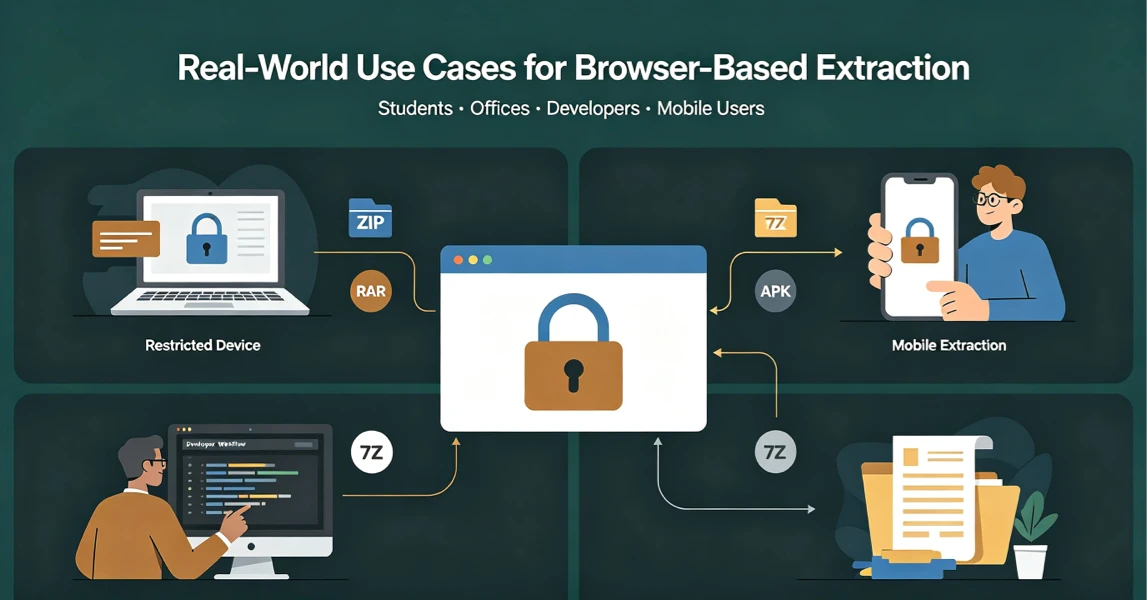
Real-World Use Cases for UnzipIt’s Browser-Based Archive Extractor
Discover the most common scenarios where local in-browser archive extraction solves real problems for students, office workers, developers, and mobile users.
2026-08-20
UnzipIt FAQ: Troubleshooting Common Archive Extraction Issues
Answers to the most frequent questions about local browser extraction, supported formats, privacy, password archives, and common errors.
2026-08-20