ブラウザー内でローカルにアーカイブを展開
ファイルはブラウザー内でローカル処理され、サーバーへアップロードされません。
アーカイブをここにドロップ
ZIP、7Z、RAR、TAR、GZ、TGZ、ISO、CAB、JAR、APK、Office ファイル、EPUB などの一般的な形式に対応。自己解凍 EXE はアーカイブデータを識別できる場合にのみ機能します。
展開済みファイル
アーカイブを選択するとダウンロード可能なファイルが表示されます。
How it works
Three steps, all in your browser. No installs, no uploads, no waiting on a server.
1Add your archive
Drag and drop a ZIP, 7Z, RAR or other archive onto the page, or click to choose a file from your device.
2Extract locally
UnzipIt unpacks the archive on your device using a WebAssembly engine running in a Web Worker. Your files never leave your browser.
3Save your files
Download individual files, or save the whole extraction straight into a folder you choose (on supported browsers).
Supported archive formats
Open and extract a wide range of common archive formats — all locally in your browser.
- ZIP
- 7Z
- RAR
- TAR
- GZ
- TGZ
- BZ2
- XZ
- ZST
- CAB
- ISO
- JAR
- APK
- EPUB
Self-extracting EXE files work only when the embedded archive data can be identified. Many Office documents and EPUB files are also supported because they are ZIP-based.
Everything runs in your browser
No installs, no uploads, no server — just open an archive and extract.
100% local
Your files are processed on your device. Nothing is uploaded to a server.
Many formats
ZIP, 7Z, RAR, TAR, GZ, TGZ, ISO, CAB, JAR, APK, Office files and EPUB.
WebAssembly engine
Heavy extraction runs in a Web Worker via WebAssembly, off the main thread.
Password archives
Enter a password to open protected archives.
Save to folder
Write extracted files straight into a folder you choose.
Private by design
We never see your file names, contents, or passwords.
よくある質問
はい。UnzipItは完全に無料です。アカウントやサブスクリプション、隠れた制限はありません。
いいえ。すべての展開はブラウザ内でJavaScriptとWebAssemblyを使ってローカルに行われます。ファイルがデバイスを離れることはありません。
ZIP、7Z、RAR、TAR、GZ、TGZ、BZ2、XZ、ZST、CAB、ISO、JAR、APK、EPUB、および多くのOffice文書に対応しています。
はい。求められたらパスワードを入力すれば、UnzipItがローカルで復号して展開します。
UnzipItはマルウェアをスキャンしません。信頼できる送信元のアーカイブのみを開き、未知の送信元の実行ファイルは実行しないでください。
Guides & tips
Learn how to unzip files on any device, compare archive formats, and keep your files private.
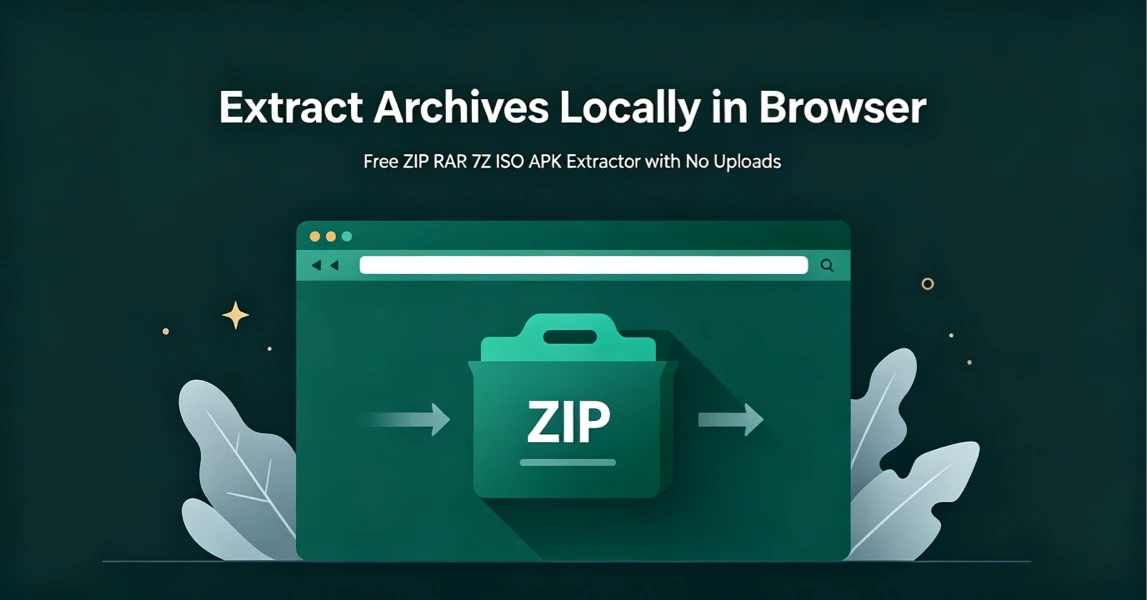
How to Extract Archives Locally in Browser with UnzipIt (Step‑by‑Step Guide)
A complete beginner’s guide to extracting ZIP, RAR, 7Z, ISO, APK and more archives for free directly in your browser with zero uploads and no software installation.
2026-08-21
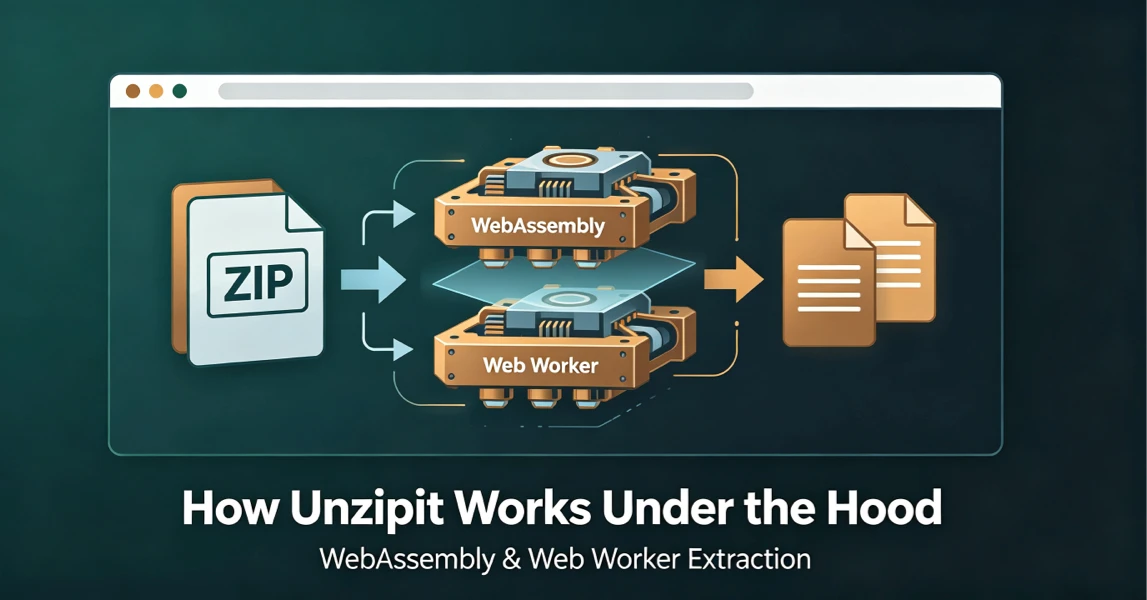
How UnzipIt Works Under the Hood: WebAssembly & Web Worker Extraction
Learn the WebAssembly and Web Worker technology powering fast, private, local in-browser archive extraction on UnzipIt with no server uploads.
2026-08-21
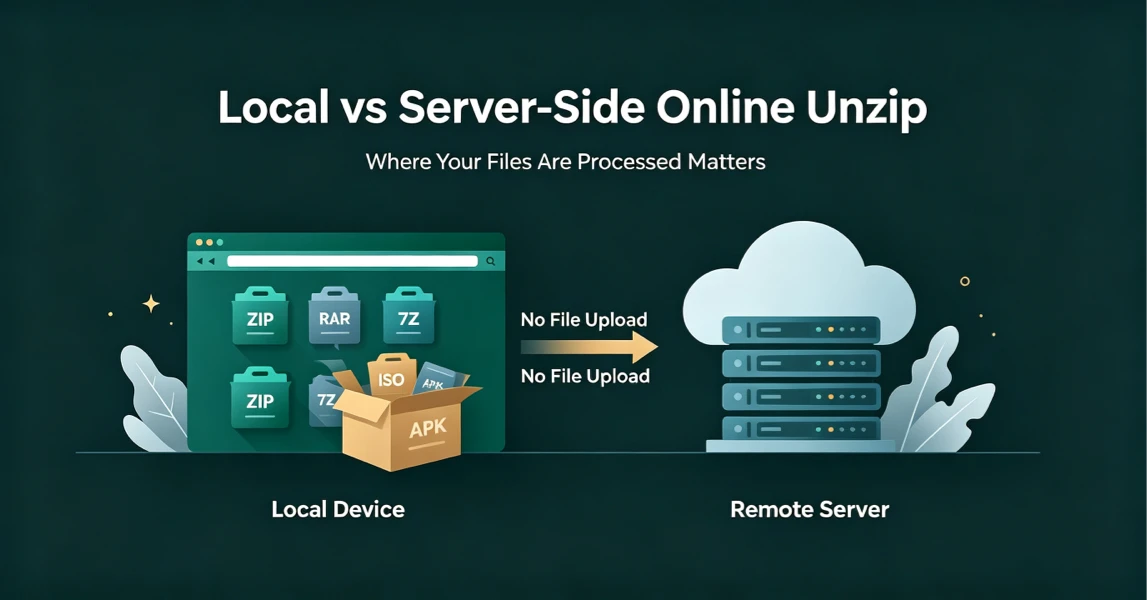
Local vs Server-Side Online Unzip: Why Where Your Files Are Processed Matters
Not all online unzip tools work the same way. Learn the difference between server-side extraction and true local browser-based processing, and why it matters for your privacy.
2026-08-21
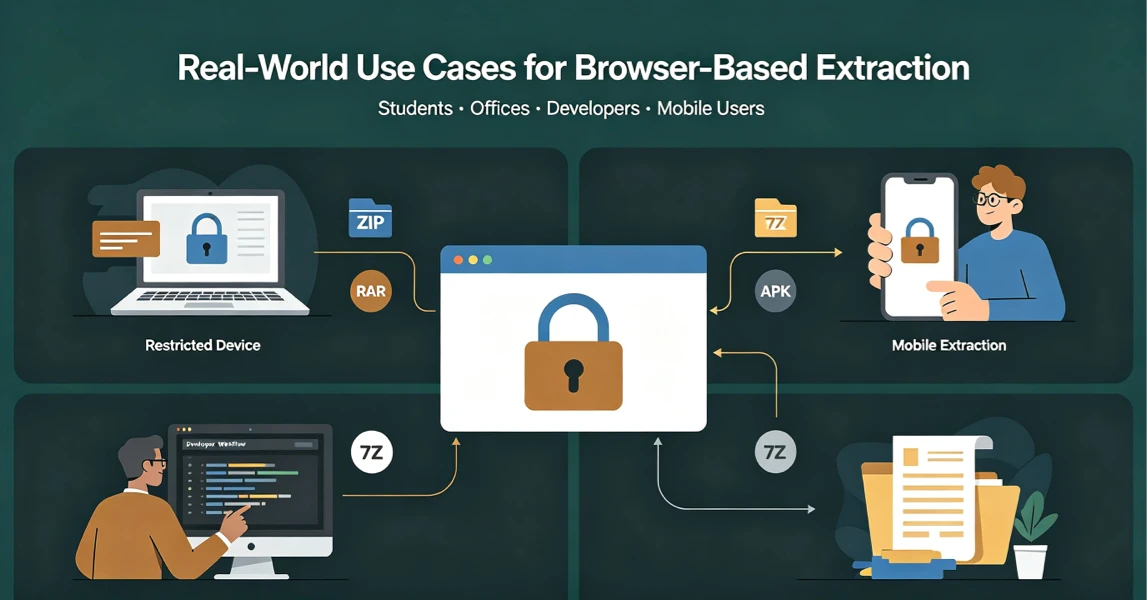
Real-World Use Cases for UnzipIt’s Browser-Based Archive Extractor
Discover the most common scenarios where local in-browser archive extraction solves real problems for students, office workers, developers, and mobile users.
2026-08-20
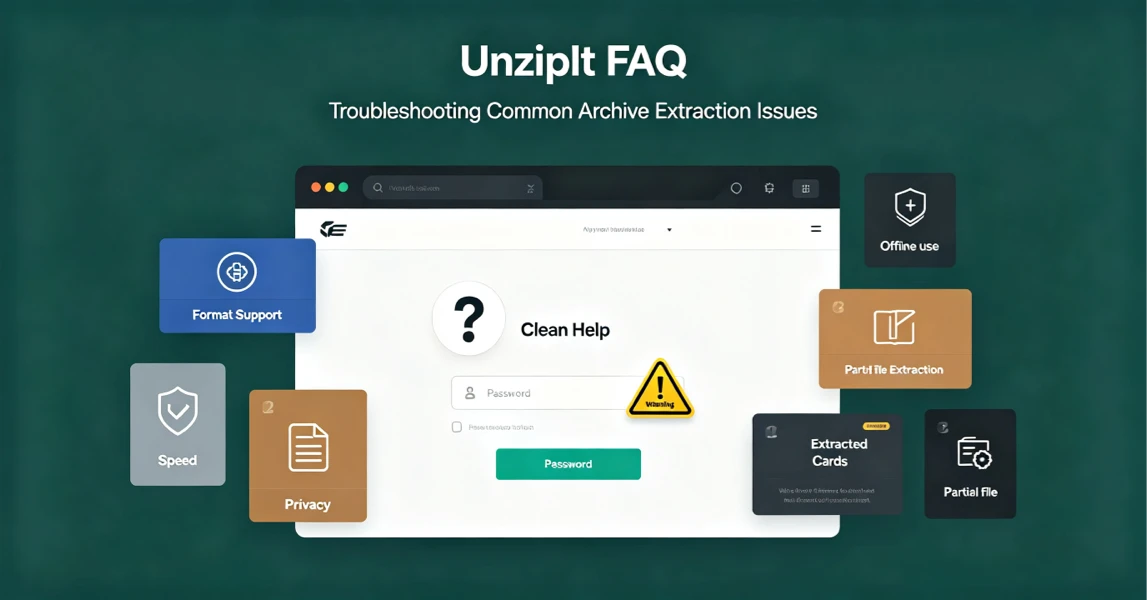
UnzipIt FAQ: Troubleshooting Common Archive Extraction Issues
Answers to the most frequent questions about local browser extraction, supported formats, privacy, password archives, and common errors.
2026-08-20