แตกไฟล์บีบอัดในเบราว์เซอร์ของคุณ
ไฟล์ของคุณถูกประมวลผลในเครื่องผ่านเบราว์เซอร์ และไม่ถูกอัปโหลดไปยังเซิร์ฟเวอร์ของเรา
วางไฟล์บีบอัดที่นี่
รองรับรูปแบบไฟล์บีบอัดทั่วไป เช่น ZIP, 7Z, RAR, TAR, GZ, TGZ, ISO, CAB, JAR, APK, ไฟล์ Office และ EPUB ไฟล์ EXE แบบแตกไฟล์เองจะใช้งานได้เฉพาะเมื่อระบุข้อมูลบีบอัดได้
ไฟล์ที่แตกแล้ว
เลือกไฟล์บีบอัดเพื่อดูไฟล์ที่ดาวน์โหลดได้
How it works
Three steps, all in your browser. No installs, no uploads, no waiting on a server.
1Add your archive
Drag and drop a ZIP, 7Z, RAR or other archive onto the page, or click to choose a file from your device.
2Extract locally
UnzipIt unpacks the archive on your device using a WebAssembly engine running in a Web Worker. Your files never leave your browser.
3Save your files
Download individual files, or save the whole extraction straight into a folder you choose (on supported browsers).
Supported archive formats
Open and extract a wide range of common archive formats — all locally in your browser.
- ZIP
- 7Z
- RAR
- TAR
- GZ
- TGZ
- BZ2
- XZ
- ZST
- CAB
- ISO
- JAR
- APK
- EPUB
Self-extracting EXE files work only when the embedded archive data can be identified. Many Office documents and EPUB files are also supported because they are ZIP-based.
Everything runs in your browser
No installs, no uploads, no server — just open an archive and extract.
100% local
Your files are processed on your device. Nothing is uploaded to a server.
Many formats
ZIP, 7Z, RAR, TAR, GZ, TGZ, ISO, CAB, JAR, APK, Office files and EPUB.
WebAssembly engine
Heavy extraction runs in a Web Worker via WebAssembly, off the main thread.
Password archives
Enter a password to open protected archives.
Save to folder
Write extracted files straight into a folder you choose.
Private by design
We never see your file names, contents, or passwords.
คำถามที่พบบ่อย
ใช่ UnzipIt ฟรีทั้งหมด — ไม่มีบัญชี สมาชิก หรือขีดจำกัดที่ซ่อนอยู่
ไม่ การแตกไฟล์ทั้งหมดเกิดขึ้นในเบราว์เซอร์ของคุณโดยใช้ JavaScript และ WebAssembly ไฟล์จะไม่มีวันออกจากอุปกรณ์ของคุณ
ZIP, 7Z, RAR, TAR, GZ, TGZ, BZ2, XZ, ZST, CAB, ISO, JAR, APK, EPUB และเอกสาร Office อีกมากมาย
ได้ พิมพ์รหัสผ่านเมื่อได้รับแจ้งและ UnzipIt จะถอดรหัสและแตกไฟล์ในเครื่องของคุณ
UnzipIt ไม่สแกนไฟล์หามัลแวร์ เปิดไอคอนเฉพาะจากแหล่งที่เชื่อถือได้ และหลีกเลี่ยงการรันไฟล์จากผู้ส่งที่ไม่รู้จัก
Guides & tips
Learn how to unzip files on any device, compare archive formats, and keep your files private.
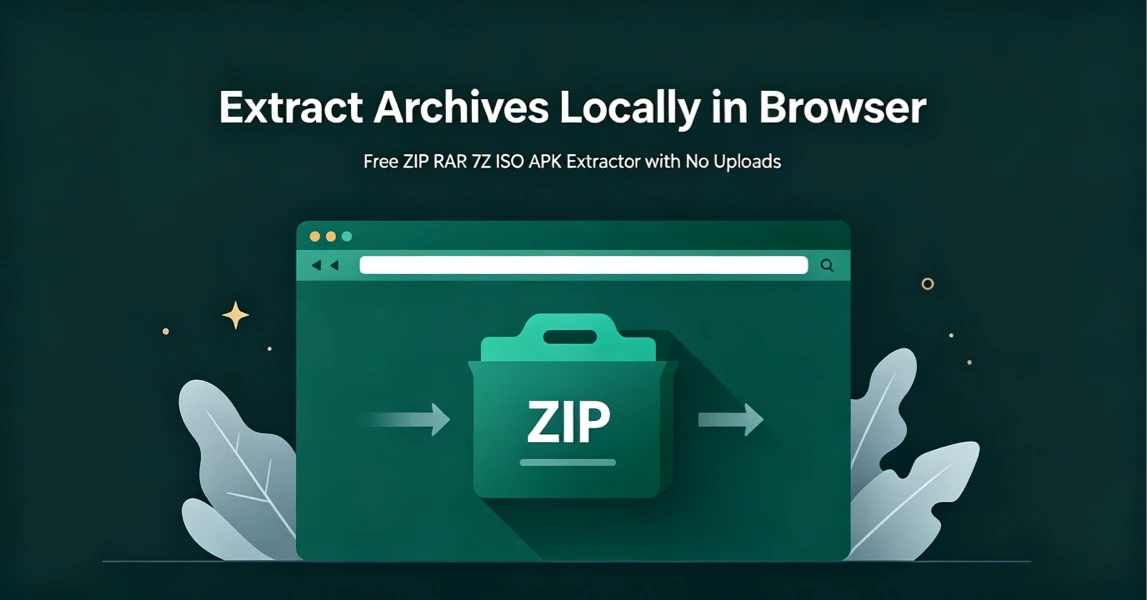
How to Extract Archives Locally in Browser with UnzipIt (Step‑by‑Step Guide)
A complete beginner’s guide to extracting ZIP, RAR, 7Z, ISO, APK and more archives for free directly in your browser with zero uploads and no software installation.
2026-08-21
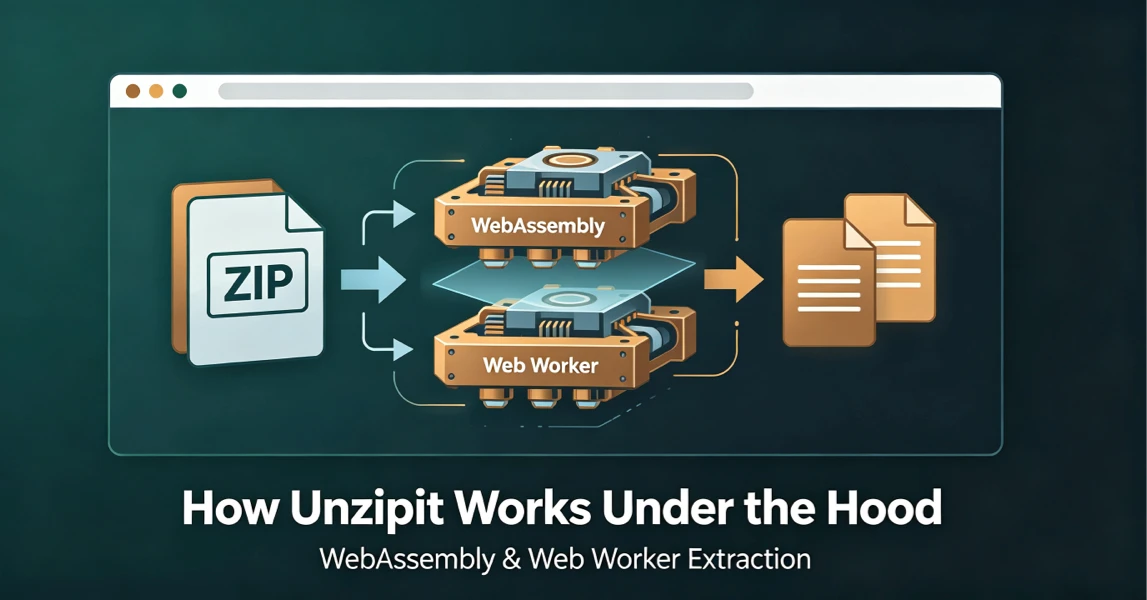
How UnzipIt Works Under the Hood: WebAssembly & Web Worker Extraction
Learn the WebAssembly and Web Worker technology powering fast, private, local in-browser archive extraction on UnzipIt with no server uploads.
2026-08-21
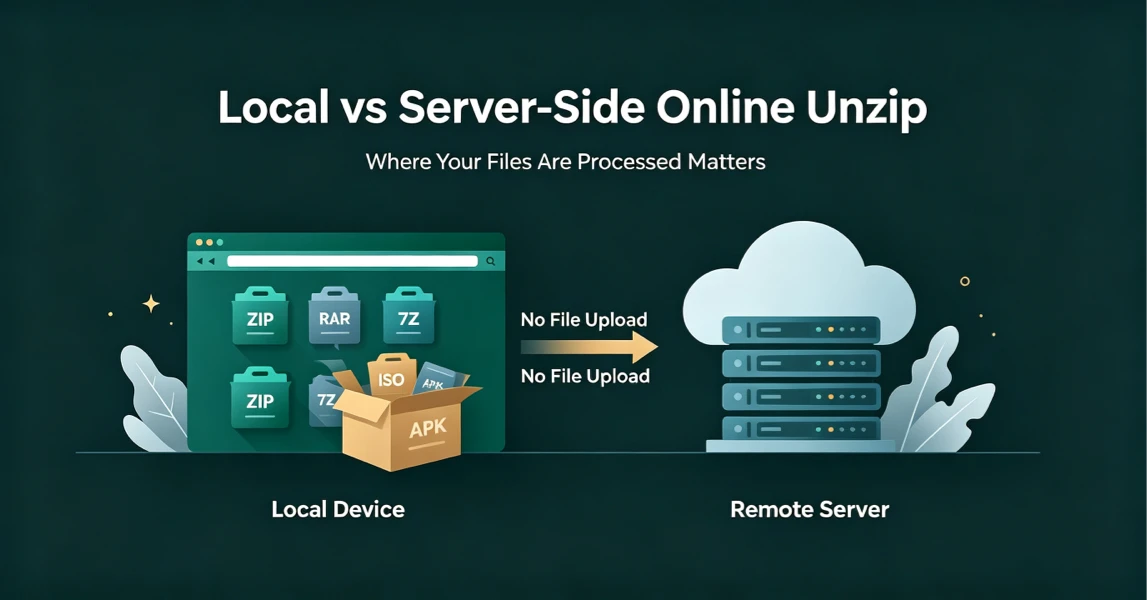
Local vs Server-Side Online Unzip: Why Where Your Files Are Processed Matters
Not all online unzip tools work the same way. Learn the difference between server-side extraction and true local browser-based processing, and why it matters for your privacy.
2026-08-21
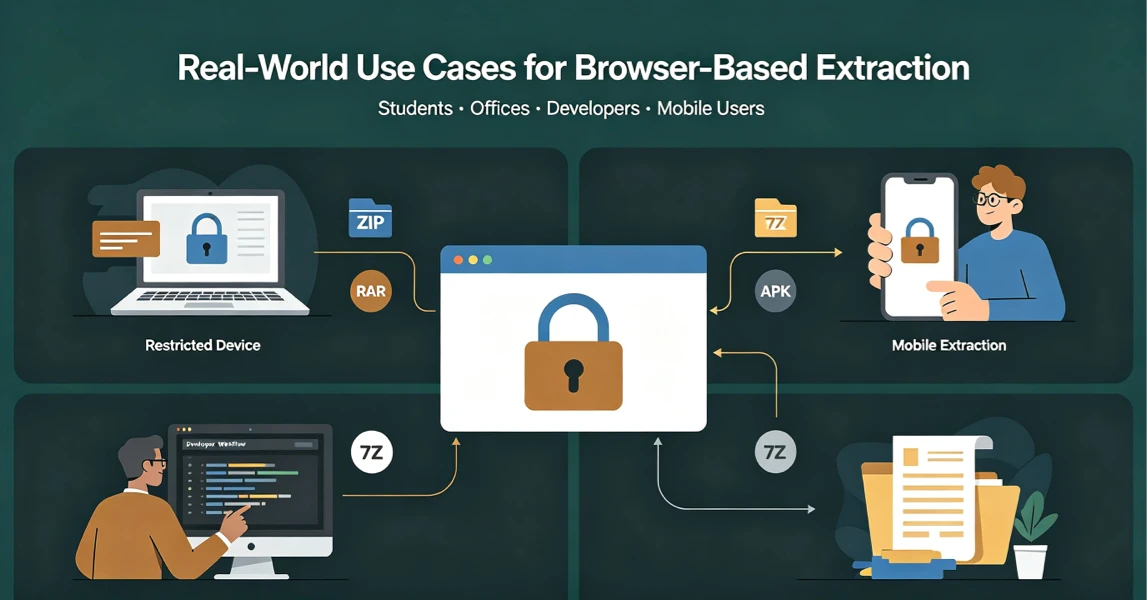
Real-World Use Cases for UnzipIt’s Browser-Based Archive Extractor
Discover the most common scenarios where local in-browser archive extraction solves real problems for students, office workers, developers, and mobile users.
2026-08-20
UnzipIt FAQ: Troubleshooting Common Archive Extraction Issues
Answers to the most frequent questions about local browser extraction, supported formats, privacy, password archives, and common errors.
2026-08-20